




To help your brand stand out, find out what makes a good Amazon product video and how to build one.
You may be curious about how to improve your product listings once you’ve opened your online store and begun to notice sales. The addition of product videos is one choice. A video showcasing your product can draw attention to its best features in an engaging manner and entice buyers to purchase.
Not sure where to begin? Continue reading to find out more about product videos, such as:
A product video: what is it?
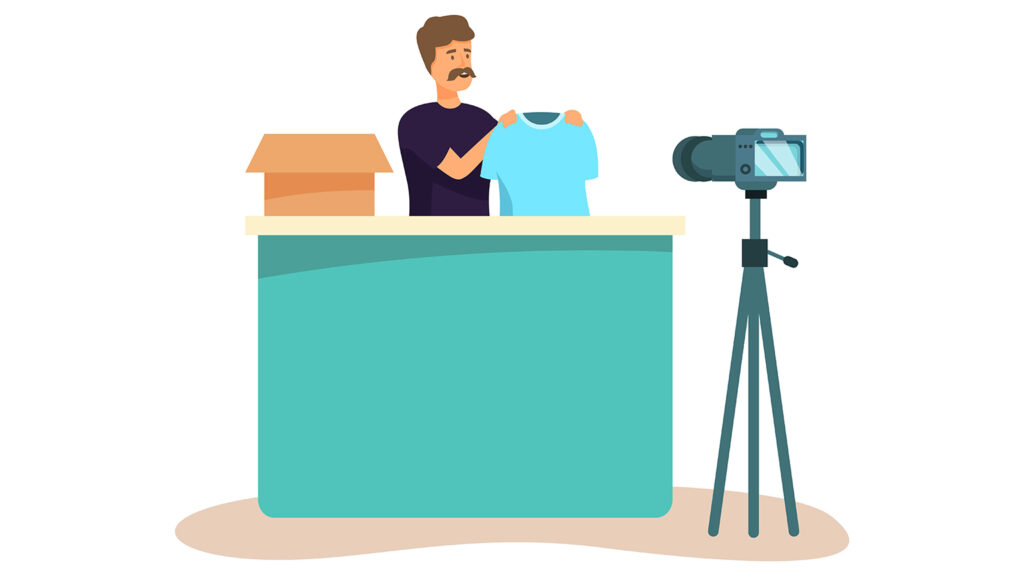
A video that features your product is precisely what it sounds like: a product video. A product video can take several forms, such as presenting the product, demonstrating its operation, telling its tale, and showcasing potential applications in people’s lives. This and more can be found in certain product videos. Amazon Product videos may strengthen your brand and be an effective marketing tool if they are done correctly.
How come a product video is a good idea?
Using video to establish a relationship with your target audience is highly recommended. Your chances of getting a buyer to click “Add to Cart” increase with the degree of uncertainty you remove from the purchasing process.
Product videos elevate your product by showcasing it in use, while textual descriptions can provide useful details, and product photographs are useful for highlighting the essentials. This is particularly crucial if your product is intricate or has multiple characteristics that you would like to draw attention to.
Additionally, videos can increase sales by giving your product listings more liveliness. Customers can relate to your brand more easily if you include aspects of your company identity.
Which kinds of product videos are there?

Product videos typically fit into one of six types:
Product overview: In this straightforward introduction video, you give a synopsis of your product, show off its features, and explain how it operates.
Unboxing: Unboxing films, in which you remove your product from its shipping box to demonstrate to clients how it is packaged and its size and scale once it is out of the box, are frequently the best for upcoming or new product launches.
How-to: This strategy outlines your product’s usage step-by-step.
Configuration: Does the product you sell require assembly? In this video, you will demonstrate to viewers how to assemble your product.
Troubleshooting: Your customer can use these videos to assist in resolving typical problems that hinder the proper operation of their product.
Brand narrative: Using this strategy is a fantastic way to communicate your entire product line, company history, and brand.
The tools required to create product videos
Depending on how detailed you want to go, the amount of equipment you’ll need for your video production may vary, but here are some alternatives to think about:
Camera: Purchasing a top-tier camera is not necessary. The superior cameras on today’s smartphones can capture 4K quality footage.
Tripod: When using a tripod with a camera, the image becomes steadier and more lucid by reducing shaking.
Lighting equipment: If you’re shooting indoors, having the appropriate lighting equipment might help your product be easier to view. It’s not necessary to have an entire set of light boxes—a decent ring lamp would suffice.
Microphone: Whether you’re giving a voiceover or in front of the camera, having clear audio is essential if you want to describe your product or tell its story.
Editing software: To make your video look professional, invest in high-quality editing software if you don’t want to hire an editor.
How to make and release a product video in seven steps
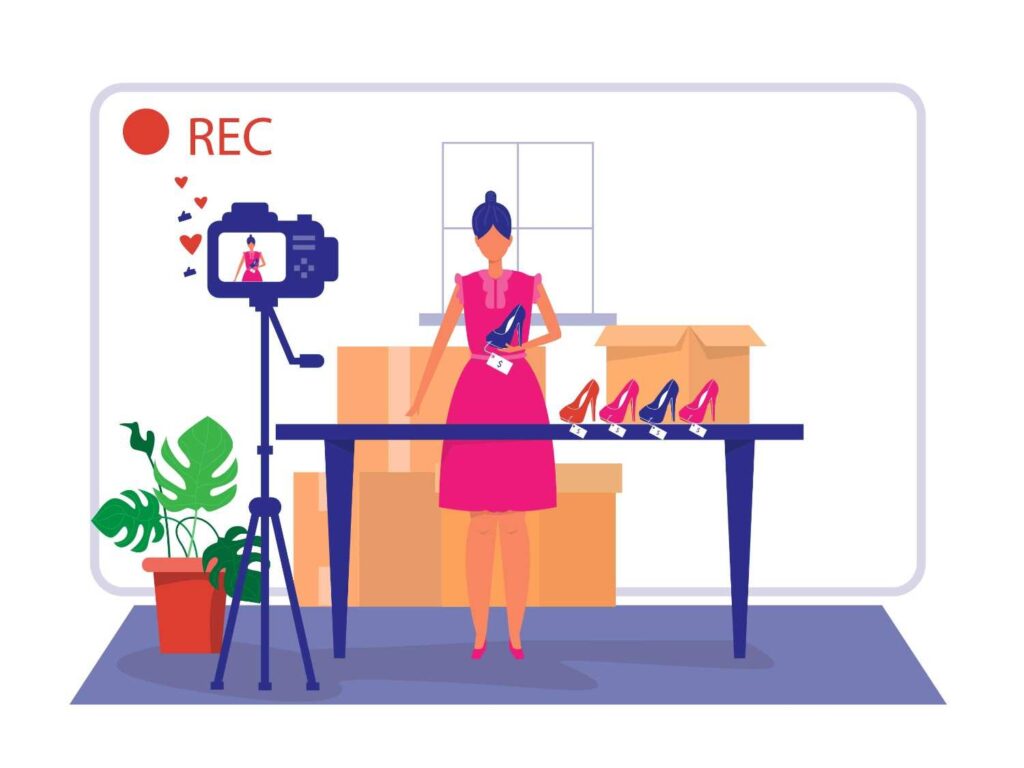
1. Create an original plan
Make a plan for the final design of the product video after deciding on the type of video you want to create. If you’re comfortable in front of the camera, you can use a basic guideline that will help you keep focused while also allowing room for improvisation. Alternatively, you can compose a detailed script for each shot or illustrate shots using a storyboard or other visual outline. At a minimum, you should have a shot list with the specific scenarios you wish to display if you intend to showcase your product in a variety of settings.
Make sure you understand who your target is. What requirements do they have, and how can your product satisfy them? A well-thought-out plan can help you stay on task and prevent your movie from going off course.
2. Select your sites
A plain white background is always a safe technique to help highlight your product if you’re new to cinematography. However, if you intend to conduct a product demonstration, be sure to select a setting that corresponds with the intended use of the product.
3. Present your item in the best possible way
Make sure that viewers can see your product in the film, whether it is shot in a studio or outside. In a studio, you’ll have more control over the lighting, but if you’re shooting outside, choose a day when there will be plenty of natural light and stay out of the shade.
4. Give the order “Action!”
It’s time to record your video now. Present the qualities and advantages of your product, tell its tale, and argue why it fulfills the needs of your target market. Take pictures of your product from various perspectives to give potential buyers a full picture of it. Having a second take of your key pictures is also a smart idea in case you need them for editing.
5. Make changes to your video
To assist you in weaving your film into a coherent narrative, download your footage and use video editing software. Make any corrections and eliminate anything you shot that doesn’t fit with your main idea. You can also include music to set the mood or text overlays to provide extra information. To avoid any copyright allegations that could lead to the removal of your film, just make sure the music you use is yours or discover fair use music.
6. Make your movie more optimized
Make sure your video is compressed and formatted correctly before uploading. Video files that are too big may cause buffering or blurring when viewed. Additionally, you should confirm that it functions on other screens, such as those on phones.
7. Upload and play your video
This is the perfect moment to upload your movie and share it with the world, whether you’re doing so on your website or by adding it to a product page. After you’re sure it’s uploaded and playing correctly, announce the launch via email lists, social media, and other marketing methods.
Advice for making product videos
While you’re organizing and filming your product video, keep the following in mind, as well as some things you might want to avoid:
Product videos are being added to the Amazon store.
Product videos are a fantastic method to improve your brand identification and product detail pages if you sell goods on Amazon. You have two options for adding product videos.
Upload videos to the main image block on a product description page: Sellers who have been active for three months or longer, or those connected to an enrolled brand, are able to upload videos to the main image block. They might also show up in search results and the videos section beneath the page fold. If you have fewer than six photographs, your movie will only show up in the image block. Observe these procedures to submit a video.
Produce Superior A+ Content: To include a video in a product description, use Amazon Premium A+ Content. Moreover, you can utilize this tool to improve your listings by adding bigger photos, clickable images, or video carousels, interactive hotspots that enable buyers to focus on specific product aspects, and more. Contact us to know more about Amazon.

