Amazon sellers invest a lot of effort into getting customers to click that “Buy Now” button, but what happens after the sale is made? Once someone has already purchased from you, it’s equally important to ensure they feel valued. Although many brands attempt this through enhanced packaging, not everyone can invest in a complete packaging upgrade. Fortunately, there’s a simple alternative: Product Insert Cards.
These small additions can immediately elevate your unboxing experience and, moreover, help strengthen your relationship with your customers. That said, designing an attractive insert and creating one that complies with Amazon’s strict rules are two completely different tasks. Amazon limits what sellers can include inside packaging, especially when it comes to messaging, incentives, and external links.
In this guide, we’ll break down everything you need to create Amazon-approved product inserts. We’ll also share design ideas to inspire your next insert card. By the end, you’ll be ready to make your customers feel like true VIPs.
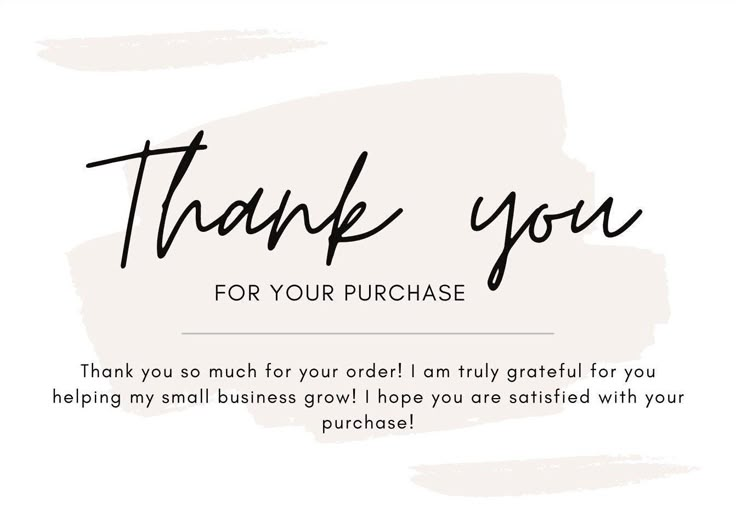
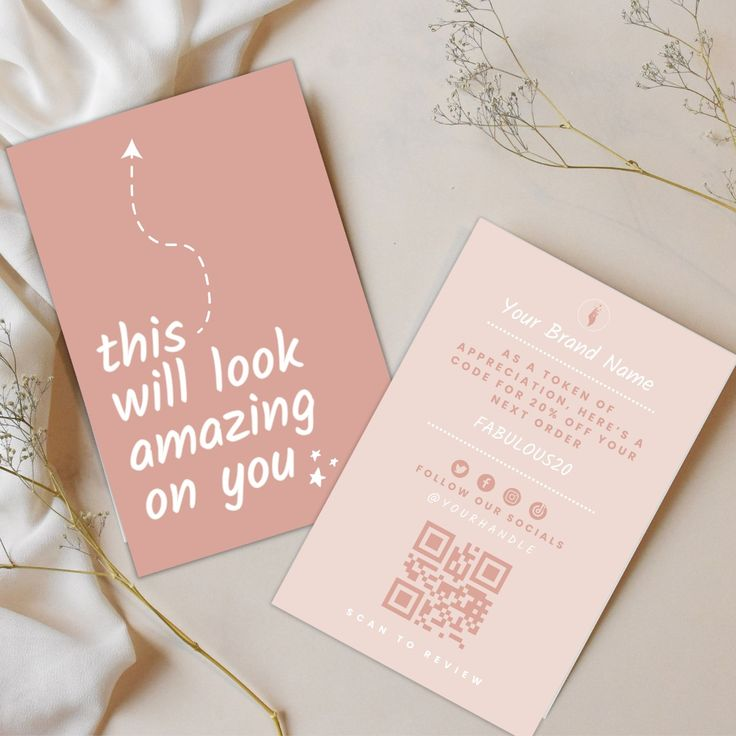
Amazon product insert cards are small notes added inside your product’s packaging. They can act as a thank-you message, a quick-start guide, or even a brand introduction. Essentially, they help you communicate with customers right after they receive your product.
However, because you’re selling on Amazon, you must follow their platform policies. You cannot use insert cards to ask for biased reviews, redirect customers to other stores, or offer incentives in exchange for feedback. In other words, inserts should enhance the customer experience rather than being used as a workaround for off-Amazon promotions.
Read More: What is Amazon Customer Experience Metrics?
Once your insert is fully designed (don’t worry, we’ll walk you through that part soon), simply download the final version and send it to your supplier. Typically, they will handle the printing and ensure every unit includes the insert. Just be sure, however, to give precise instructions so nothing is missed.
If you handle your own fulfillment, the process becomes even easier. You can print your inserts locally, have them delivered to you, and place one into each package before shipping. Though simple, this small step significantly boosts your customer’s overall unboxing experience.
|
Allowed in Product Inserts |
Not Allowed in Product Inserts |
|
A note expressing gratitude |
Asking for positive reviews or any type of feedback |
|
Clear product usage instructions |
Offering rewards or incentives for reviews |
|
Warranty or registration details (as long as they don’t request reviews) |
Requesting reviews on external platforms |
|
QR codes or links to social media |
Directing customers to outside websites to buy products |
| Neutral brand interaction messages |
Encouraging purchases using urgency |
| Contact info that does not encourage purchases |
Using manipulative review language |
| Your brand’s story or mission |
1. Don’t Offer Rewards for Reviews
You cannot say, “Leave a 5-star review and get a discount.” Such statements violate Amazon’s policies. Offering gifts, refunds, or incentives in exchange for feedback can result in serious account penalties. Therefore, always keep your messaging neutral and compliant.
2. Review Requests Must Be Unbiased
It’s completely fine to ask for a review, but your request must not guide the customer toward a positive rating. For example, a neutral request like
“We hope you’re enjoying the product! If you have a moment, please consider leaving a review.”
is acceptable.
However, wording such as
“Happy with your purchase? Leave us a positive review.”
is considered manipulation.
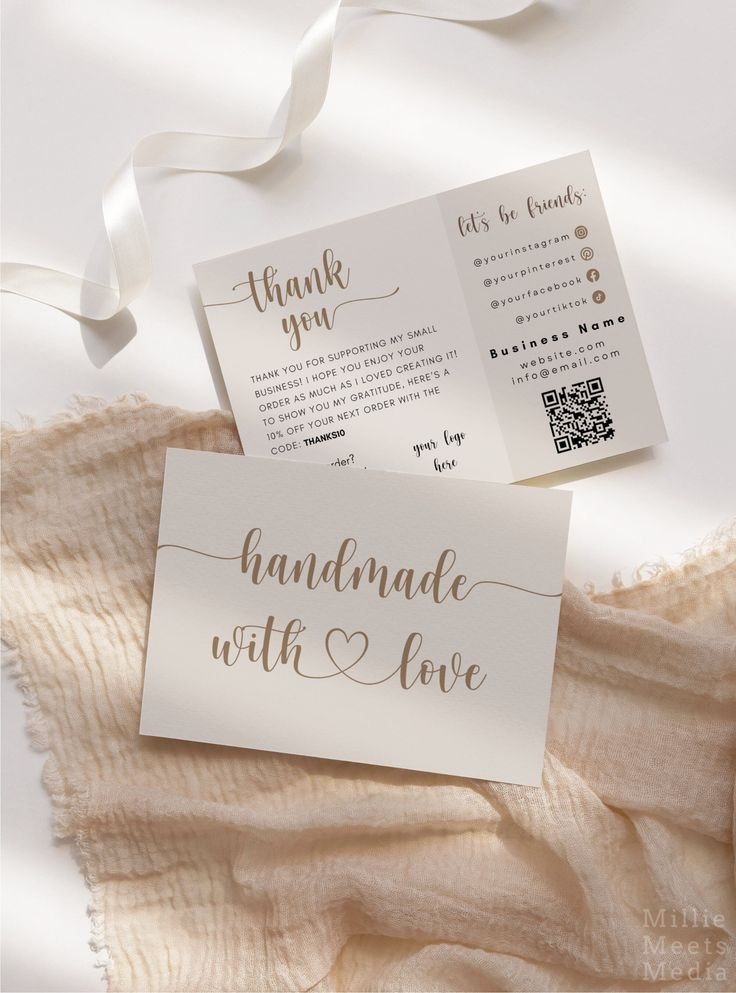
3. QR Codes and Links Are Fine – With Limits
You are allowed to include QR codes or URLs. However, these must only lead to helpful content such as warranty pages, tutorials, or setup videos. Meanwhile, you must avoid redirecting customers to any external sales-related pages or review platforms.
4. Keep Customer Service Within Amazon’s System
If customers need help, you cannot direct them to a personal email or your website’s contact form. Instead, Amazon requires all support communication to go through its Buyer-Seller Messaging system. This ensures transparency and customer protection.
5. Feedback Requests Must Be Fair
Asking for feedback is acceptable. Still, you cannot pressure customers or attempt to prevent negative reviews. A phrase like “Let us fix any problems before you leave a review” is prohibited because it influences review behavior.
A neutral alternative would be:
“We’d love to know what you think about the product.”
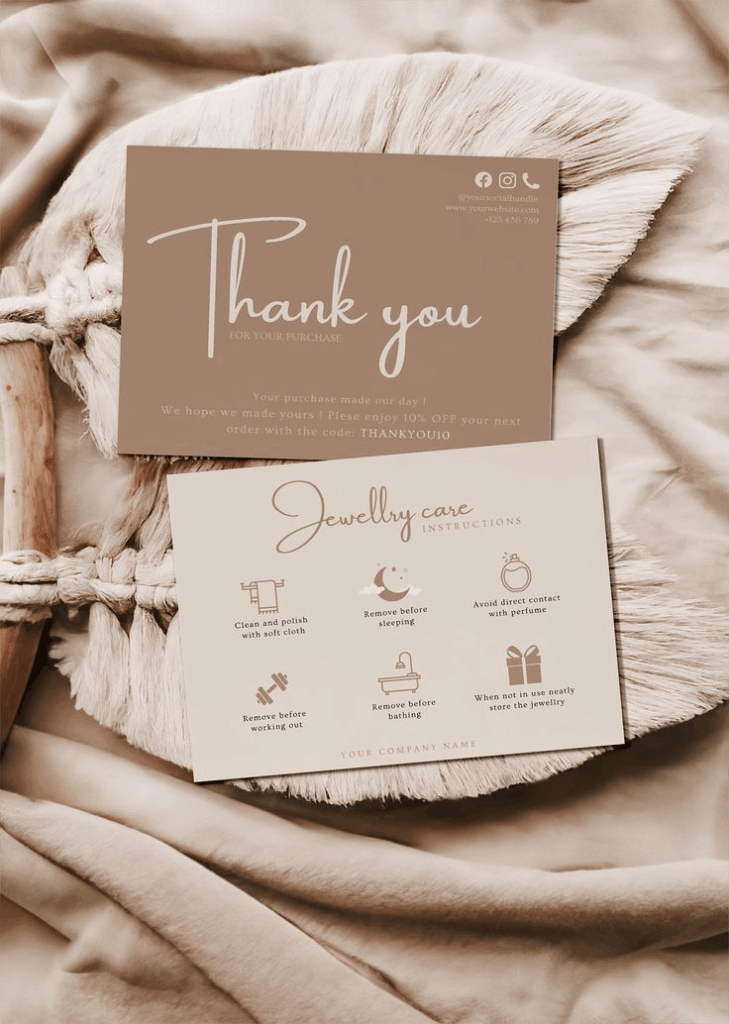
1. A Thank-You Note
A simple, heartfelt message goes a long way. Additionally, it sets a positive tone for the entire unboxing experience.
2. Usage Instructions
Clear directions help customers use the product correctly. Furthermore, they reduce returns and improve satisfaction.
3. Your Brand’s Mission or Story
Sharing your values creates an emotional connection. Just ensure it stays concise and meaningful.
4. Customer Support Details
You can mention how customers can get help, as long as it remains within Amazon’s approved system.
5. Warranty Registration Info
Feel free to include a link or QR code for warranty sign-ups, provided it’s not tied to incentives or review requests.
6. How-To Videos or Product Demos
A QR code leading to tutorials or product setup videos is perfectly acceptable and extremely helpful.
7. Social Media Handles
You can list your social accounts to increase brand awareness. Just avoid using them to drive sales or reviews.
8. Care and Maintenance Tips
These are especially useful for products requiring ongoing care, such as apparel or tools.
9. Safety and Compliance Notes
If your product requires safety instructions, your insert is a perfect place for them.
10. Announce New Products (Without Incentives)
You may mention upcoming releases, but you must ensure the tone is informational, not promotional.
11. Link to Digital Manuals
Manuals often improve the customer experience, so linking them is completely fine.
12. Light Cross-Selling
You can reference your Amazon storefront or other items you offer. However, keep it subtle and Amazon-compliant.
Read More: Amazon Customer Engagement Tool
We hope these insert ideas help you craft a polished, policy-compliant design. Although creating an insert might seem simple, the smallest mistake, such as including a forbidden phrase like “Loved it? Leave us a 5-star review!” can put your seller account at risk. Therefore, it’s essential to follow Amazon’s rules carefully.
If you’re not sure where to begin, don’t worry. Our Amazon consultancy services are here to guide you every step of the way.